Time Mending
A downloadable game for Windows and macOS
NOTE:
Once gamejam edit submissions open we will fix the windows install!
About the Game
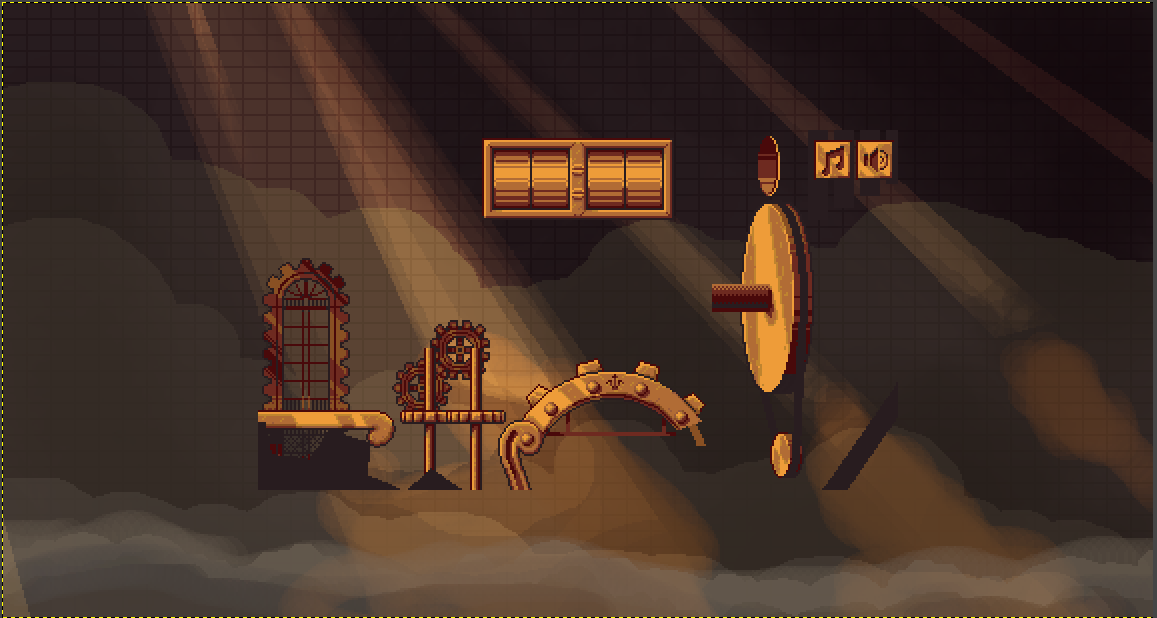
The world stands silent, its once-great clockwork mechanisms frozen in place. Time itself has stopped, leaving everything trapped in an endless moment. It falls to you to restore the machinery and bring the world back to life.
But be careful—time is a powerful force. Every mechanism you repair brings the world one step closer to moving again. Restore it too quickly, and you may discover that some things are better left untouched.
Controls
- WASD — Move
- Space — Jump
- E — Interact
- Esc — Pause
Credits
Programming
EngulfedLeader2
Zerp
Level Design
EngulfedLeader2
Art
SkulkingShadow
Music & Audio
Walt Corona
Thank You!
Thank you for taking the time to play Time Mending This game was created for the GMTK Game Jam.
If you enjoyed playing and would like to see more puzzles, mechanics, levels, and adventures in this world, we'd love to hear your feedback. This is only the beginning.
Download
Install instructions
Once gamejam edit submissions open we will fix the windows install!
Windows players:
If you made it this far, you probably noticed the original Windows download was missing a required file.
Please use the fixed Windows build here:
Download the fixed Windows build
After downloading, extract the ZIP and run TimeMending.exe. Make sure the executable, the .pck file, and the generated data folder all stay together in the same folder.
Sorry about the mix-up, and thank you for giving the game a try!
macOS Players:
If macOS says it can't verify Time Mending, don't worry! The game was created for the GMTK Game Jam and isn't code signed or notarized by Apple.
To launch the game:
- Open the DMG and drag Time Mending to your Applications folder (recommended).
- Try opening the game once. macOS will block it.
- Open System Settings → Privacy & Security.
- Scroll to the bottom and click Open Anyway.
- Launch the game again and choose Open when prompted.
After that, the game will open normally in the future.
Thanks for playing, and we hope you enjoy Time Mending!
Development log
- Time Mending is now Released!7 days ago
Leave a comment
Log in with itch.io to leave a comment.